ImgGod - Browser Based Image Composite Generator
A tool to make layered randomized collage composites out of uploaded images.
Screenshots
preview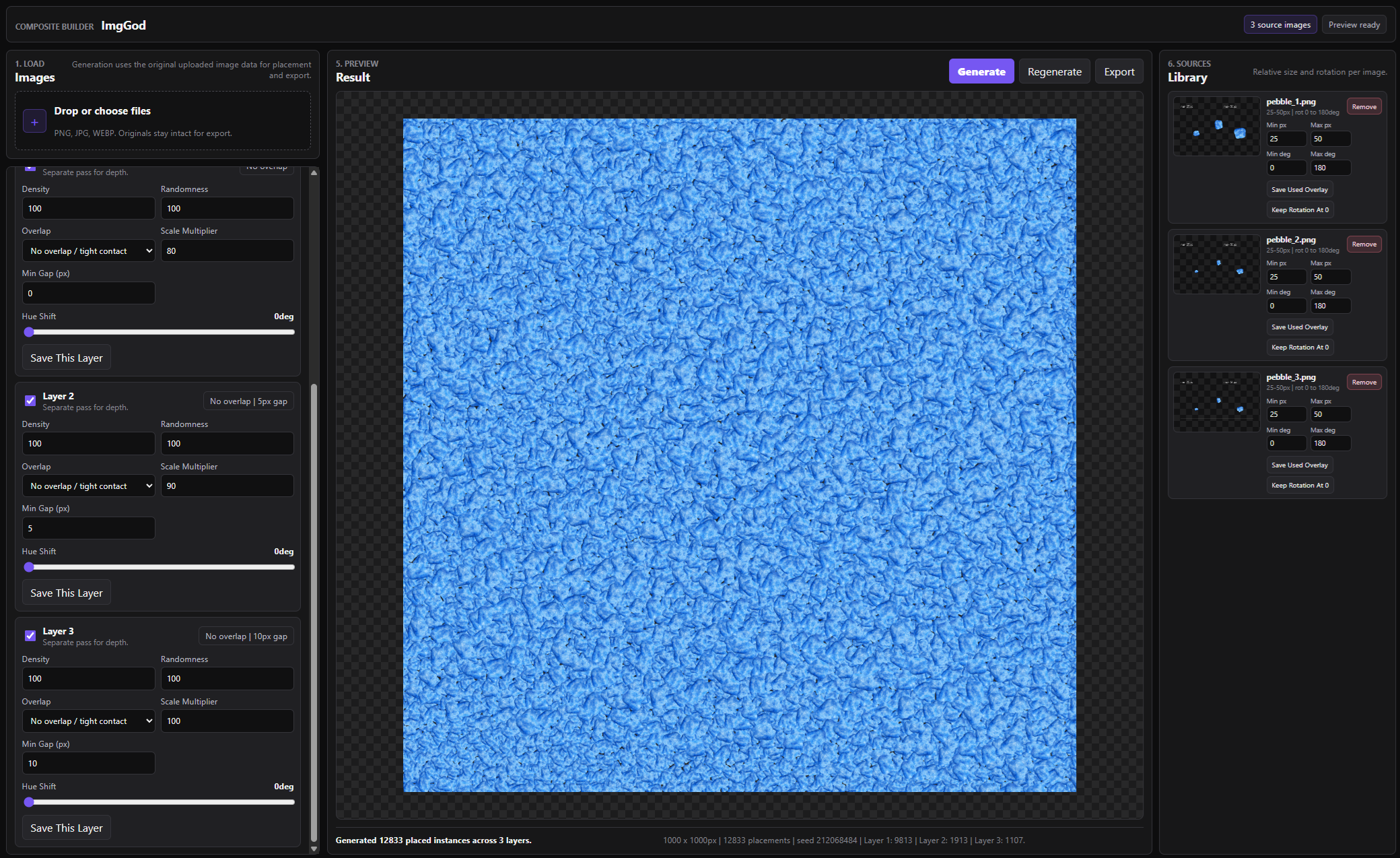
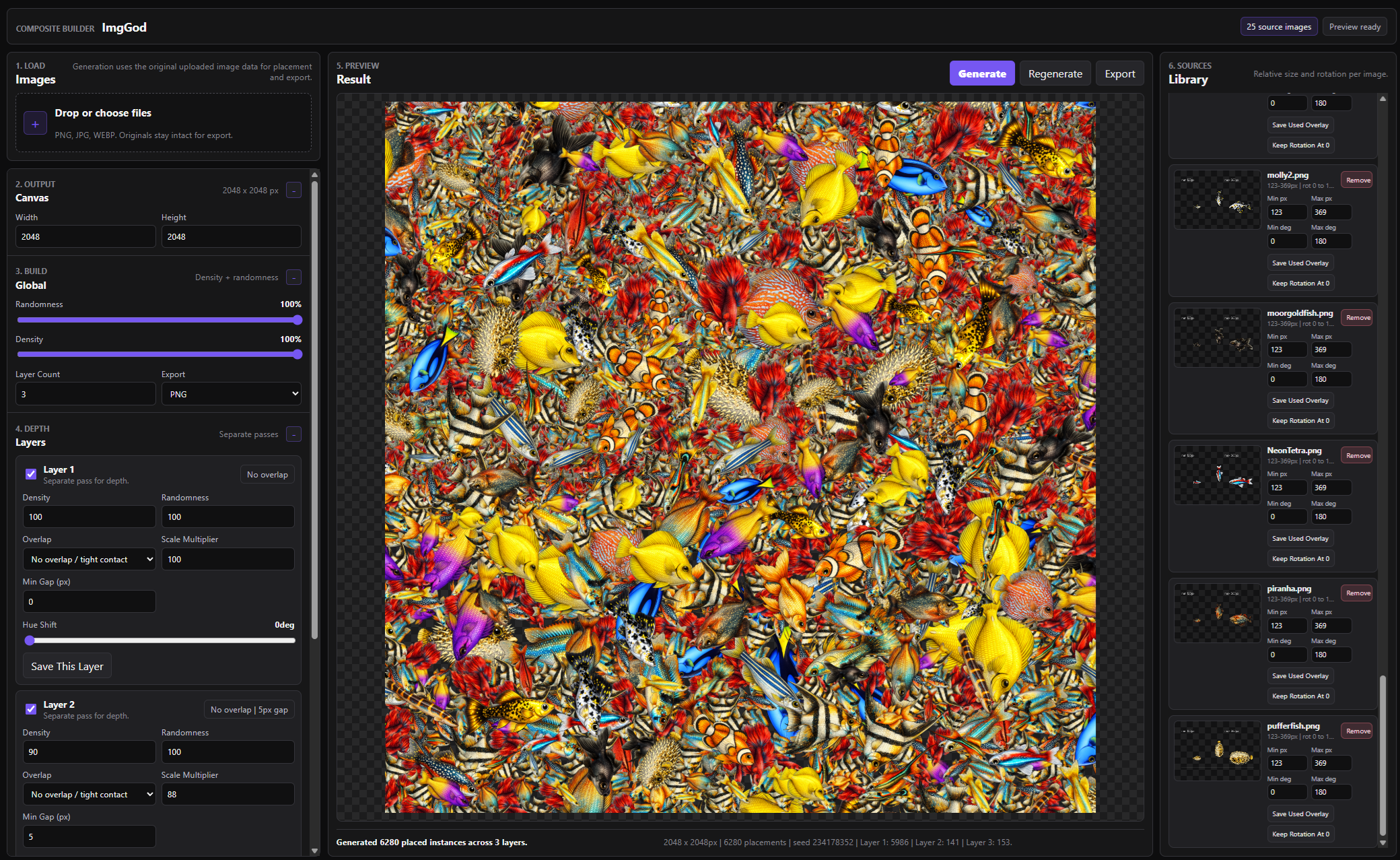
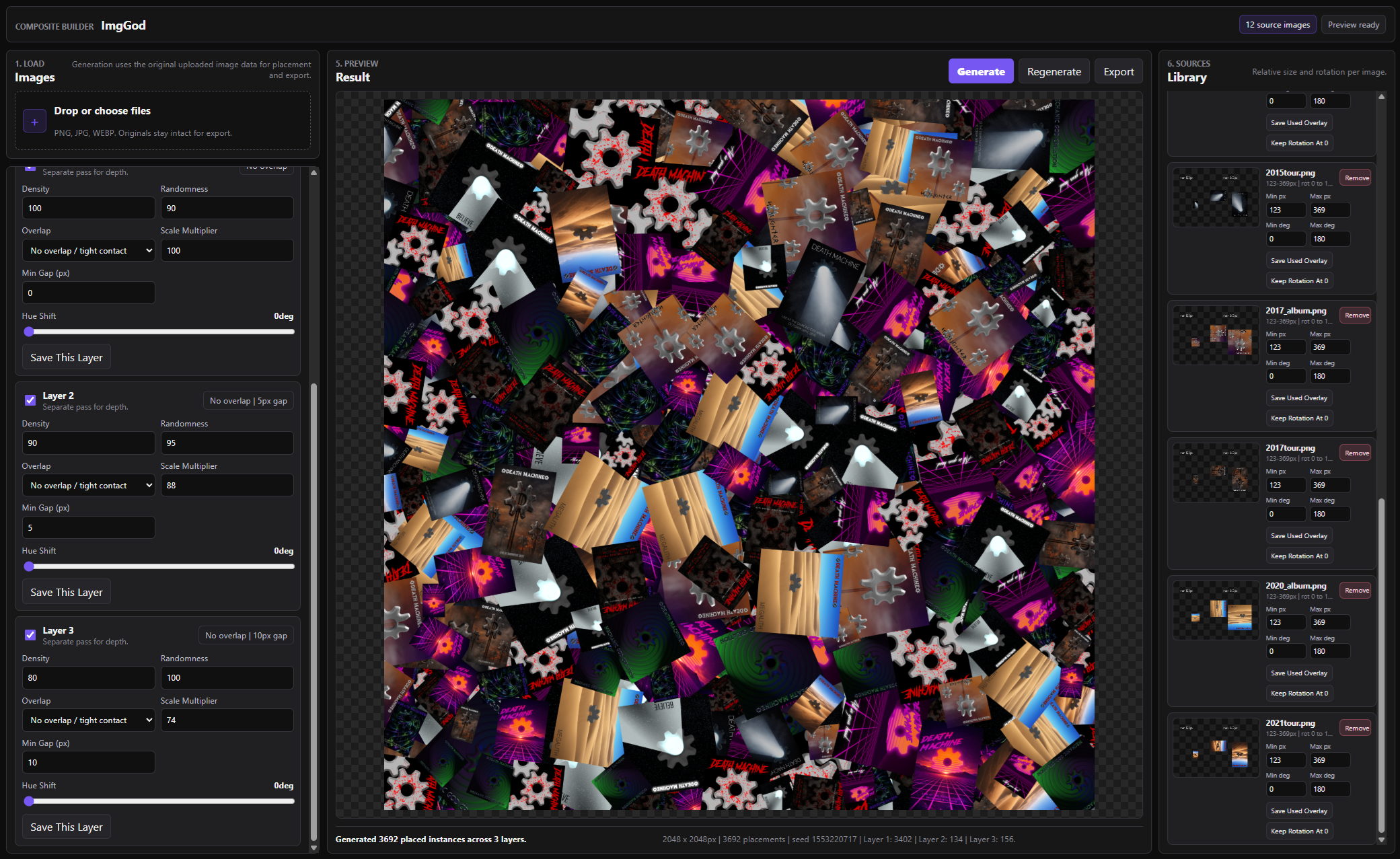
ImgGod
overviewAbout the project
While making the Bubble Borough web based aquarium, I found myself having a hard time making the gravel. So I ended up making a tool specifically for what I needed.
Goal
I needed something very specific: convincing, densely packed gravel that I could customize with three different colors. The usual options kept failing me because rendering thousands of individual gravel images caused browser stuttering, making a static image by hand was tedious and still did not look random enough, and creating lower-resolution gravel layers that could be recolored in code by shifting hue was difficult with the tools I had. So I decided to build a tool to solve that exact problem.
What I learned
- - How to turn a personal need into a working tool
Project
An image composite generator that takes input images and user set rules and outputs a randomized composite image.
How It Works
logic- In the Load pane, the user uploads their images.
- In the Library pane, the user sets each image’s minimum and maximum size in pixels, along with its minimum and maximum rotation.
- In the Build pane, the user sets the output image size, chooses overall randomness and density, selects the number of layers, and chooses an output file type.
- In the Depth pane, the user adjusts each layer’s density, randomness, overlap, scale multiplier, minimum spacing, and hue.
- The user clicks "Generate" to preview the result in the center pane.
- The user can export the full image, export each layer separately, or export images grouped by the individual source image used.